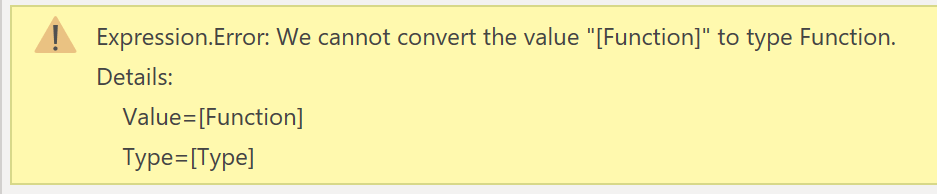
Dataverse is a secure flexible data storage solution that is part of the very popular Microsoft Power Platform family. So connecting to Dataverse is an obvious request. Dataverse was previously known as Common Data Service. This post is from getting very frustrated mid-hackathon and trying to connect to Dataverse and just getting an odd error. If you want to learn...
Important Update! On 14th Nov 2022 Microsoft announced that Paginated reports will no longer require premium capacity and can be created with a Power BI Pro license. Here is a link to the article https://powerbi.microsoft.com/en-us/blog/announcing-support-for-paginated-reports-in-power-bi-pro/ Introduction Here are resources to help you learn how to use Paginated reports. You will need a premium capacity or Premium per user license. If...
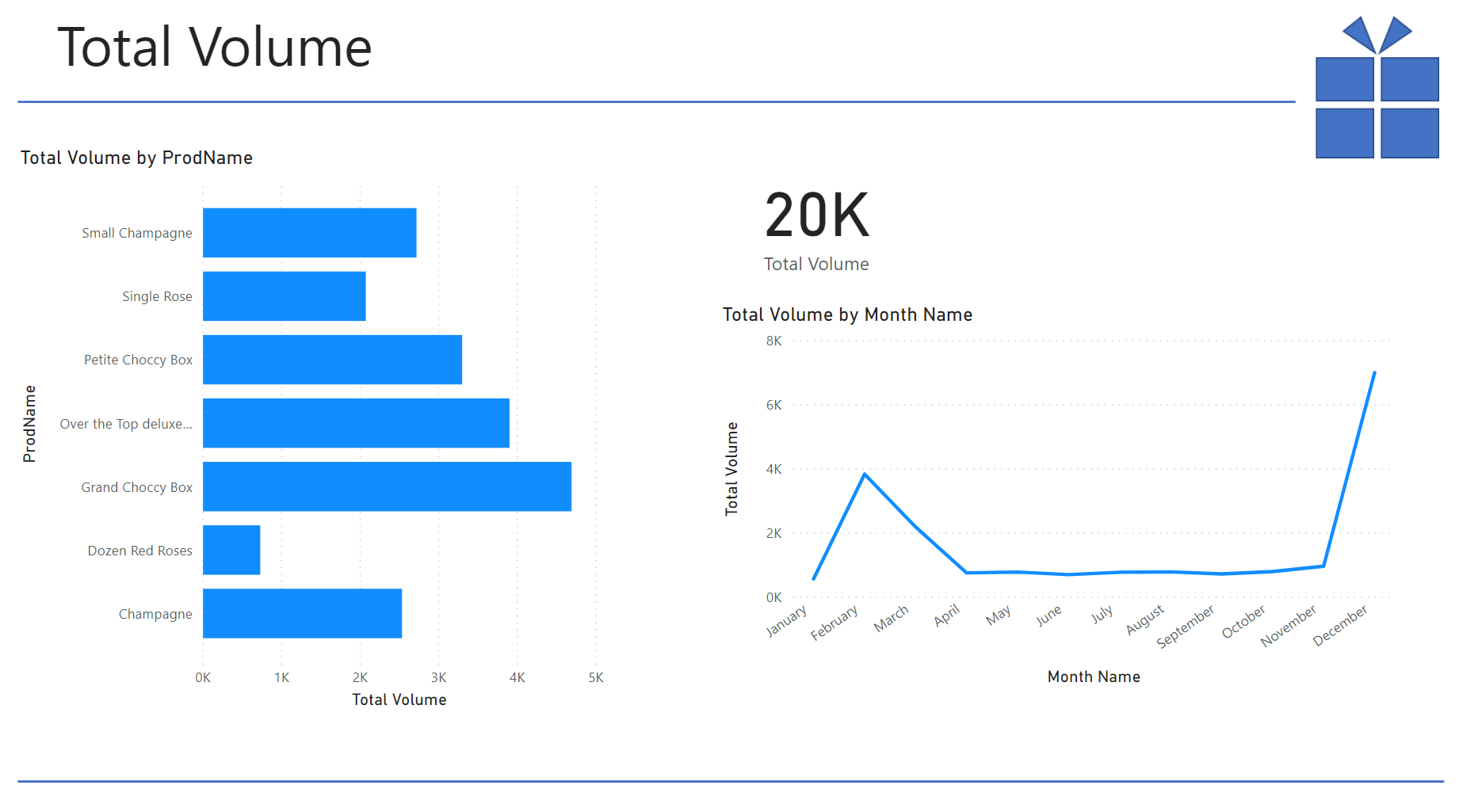
This post is to support my virtual session at London Microsoft Reactor on 1st Feb 2021. The session is an introduction to Power BI using sales data for 2020 from an imaginary gift shops. YouTube Recording Resources The Excel file used as the data can be found at:https://github.com/HatFullOfData/Demo/raw/refs/heads/main/Blog/Sales.xlsx The background image used in the demo can be found at:https://github.com/HatFullOfData/Demo/raw/refs/heads/main/Blog/Gift-Background.png The...
AI Insights in Power Query is a great Premium feature in Power BI. AI Insights Error can occur if you are not fully aware of the settings.
Throughout 2020 I have posted blog posts and videos covering mostly Power BI topics with some Power Apps and Power Automate posts. For me its made me learn topics properly and given me a buzz watching numbers rise. Various people have promoted blogs and videos and I cannot thank them enough. I’m am looking forward to being able to travel...
This post is to support my session at London Microsoft Reactor. The session series have all been introduction to Power BI. This session uses some Christmas Carol song lyrics and then using some AI premium tools to analyse the text. YouTube Recording Resources The Excel file used as the data can be found a https://github.com/HatFullOfData/Demo/raw/refs/heads/main/Blog/Christmas-Carols.xlsx The background image and theme file...
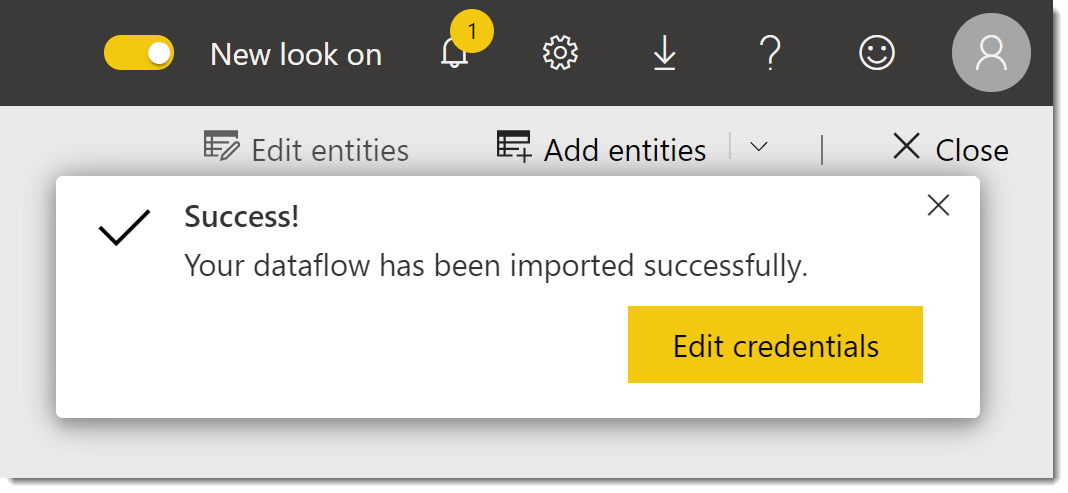
There are times when you need to copy a dataflow from one workspace to another workspace. Power BI service provides a simple way to export the definition as a json file and then import. YouTube Version Export dataflow as json file In the workspace of the original workspace, click on the three dots next to the dataflow and select Export...
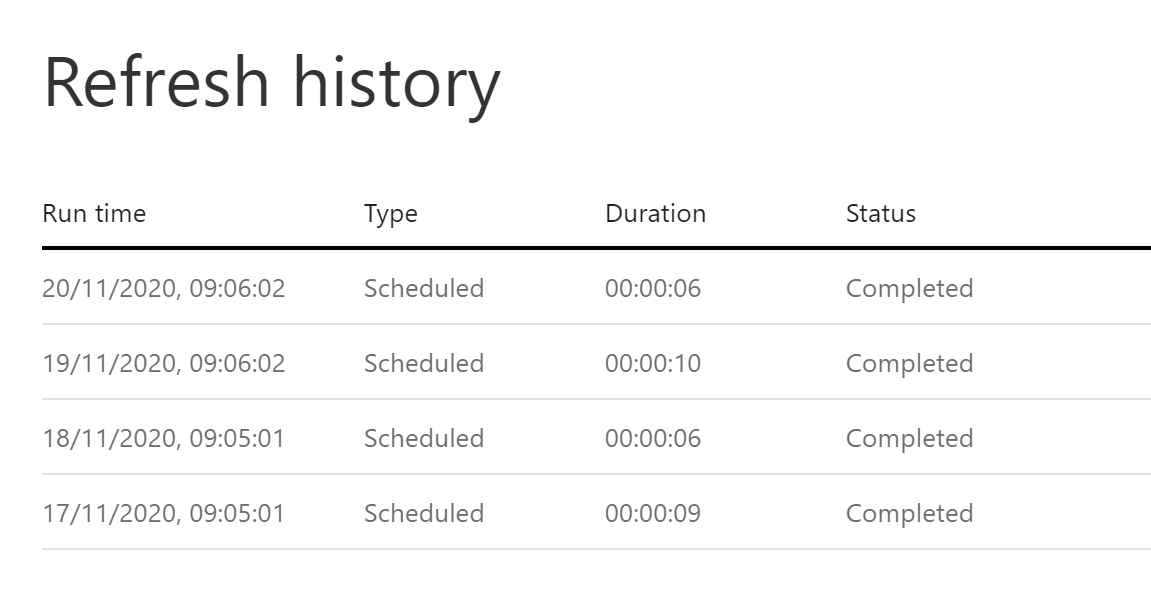
Find out which entity took the longest or caused the error in a refresh by looking at the refresh history of a dataflow in Power BI.
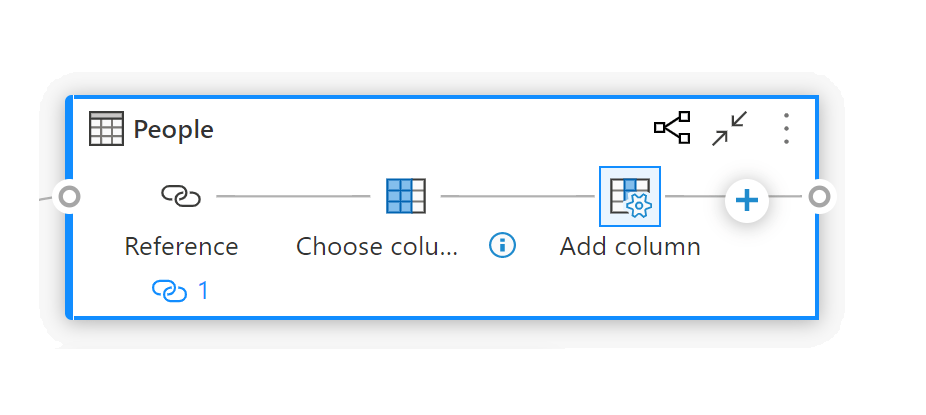
The new diagram view feature introduced Nov 2020, produces a brilliant diagram of how the queries and parameters relate within the dataflow.
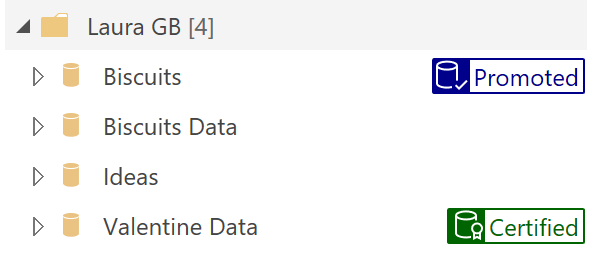
Inform your users as to which dataflow to use by using Endorsement. This allows you to label a dataflow as promoted or certified.