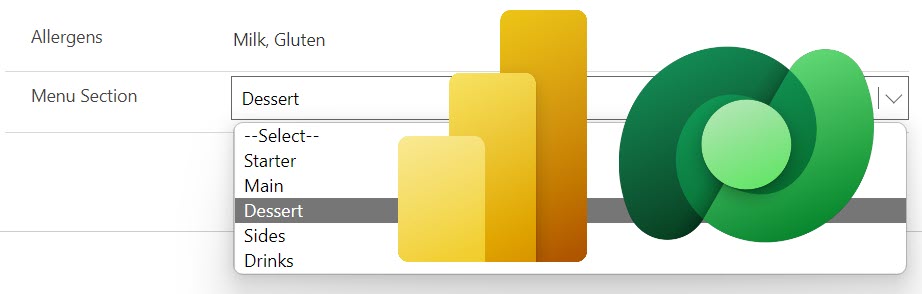
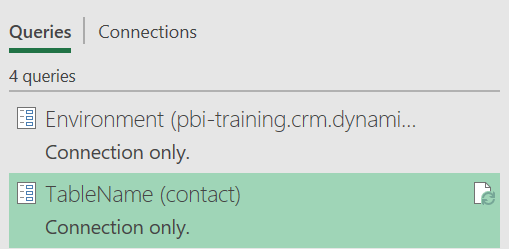
When a choice column is created in Dataverse, you can create a custom list of values which you want in Power BI as a table.
In the July 2022 Power BI update, they updated the Dataverse connector. The connector now uses the display names from a Dataverse table. Dataverse columns have internal name and display names and previously the display names were not available. YouTube Version For those who prefer a video version. New Connection Let’s start with a brand new Dataverse connection. When you...
Occasionally it is useful to break your flow apart into separate flows. For this you need to create a child flow or two. There is one tweak I always forget, hence this post. Create the Child Flow When building child flows you need to follow these rules Above is a very simple example. The trigger has an input of location...
Creating custom visuals using the Charticulator in Power BI is not easy. So here are some some Charticulator resources I’ve used to skill up.
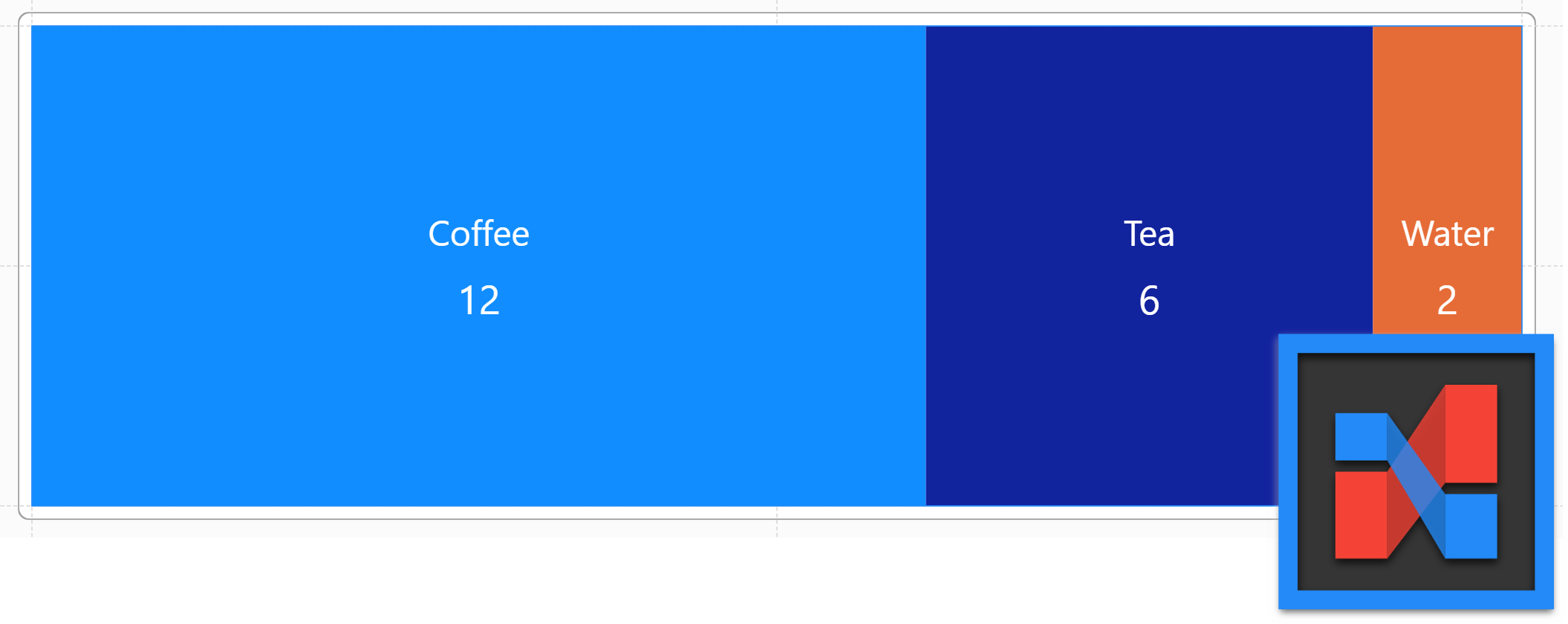
In late 2021, the Charticulator visual was added to Power BI desktop. This post walks through creating a Charticulator Simple Custom Chart. The chart will show the drink preference split of 20 office colleagues. The steps assume you already have connected to the data. The data is available for download or direct connection here: https://github.com/HatFullOfData/Demo/raw/refs/heads/main/Blog/Drinks.xlsx YouTube Video It's coming! Adding...
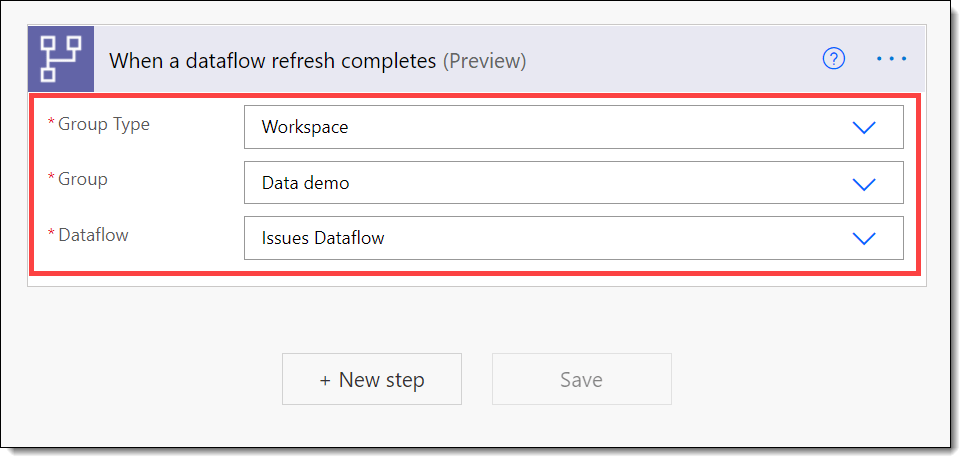
I have a report, Open Issues, that has a Power BI dataflow as a data source. If I just use scheduled refreshes, my options are limited. I need to be refreshing datasets automatically after the dataflow has finished so my reports are up to date as soon as possible to avoid a situation where I schedule the dataflow to refresh...
In nearly every business across the world, staff give reports to managers. How many people assess the report cost? The reports will show how well or badly the business is performing. Accurate reporting is important in every organisation. Management needs to be able to make data-driven decisions.
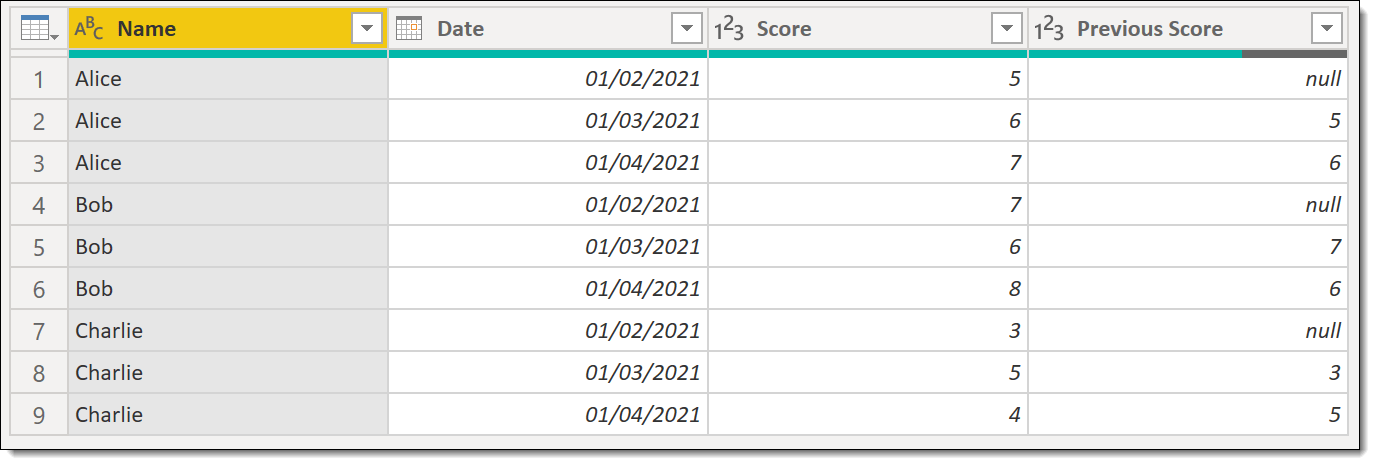
In this post I will describe how to get previous row data that matches a criteria. This post will demo getting a person’s previous score.
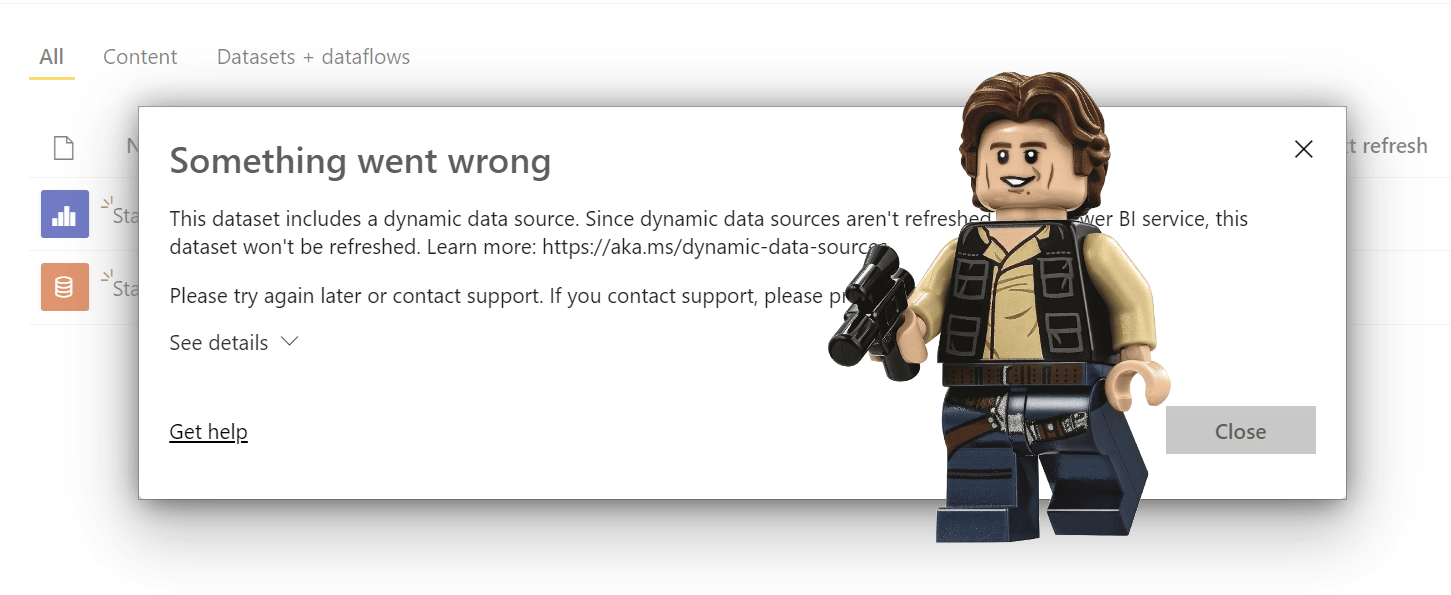
This is the first post in a series to create a Star Wars report. This post handles the issue of using a parameter as the url in a web Power Query. This type of data source is referred to as a Dynamic Data Source. It will not refresh in the Power BI service unless you do some tricks. Fetching Data...
This post is to document how to use Excel VBA to edit a parameter value without using the a cell reference in Power Query.