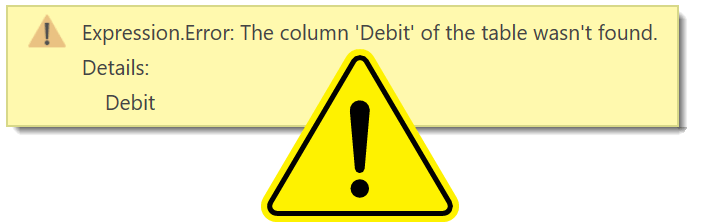
One of the challenges of making sure your query works in Power Query is data sources that have a changing schema. Some APIs miss out fields if the data is null and sometimes we need one report able to handle data files that are almost the same but not quite. In this post we will look at fixing 2 scenarios, a single missing column and multiple columns missing.
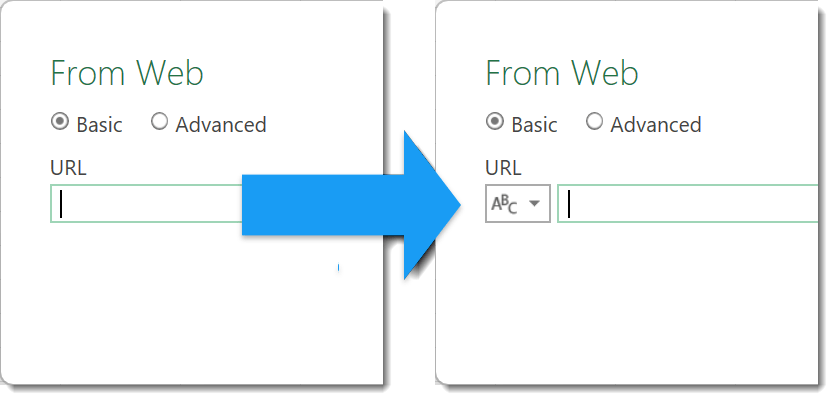
Good practice is to use parameters for these values so your query is reusable etc. And its always our intention to go and create the new parameter later.
Microsoft Fabric Data Pipelines can be scheduled to happen at regular times. What happens when you want trigger a Microsoft Fabric data pipeline to run as a reaction to an event? For example someone pressing a button in an app. For this we can use Power Automate to start a pipeline using a http request.
Currently there is no Microsoft Fabric connector in Power Automate. When we want Power Automate to save a file to OneLake Lakehouse, we need to use a workaround. This post walks through the demo I did for the Microsoft Fabric European Conference 2024.
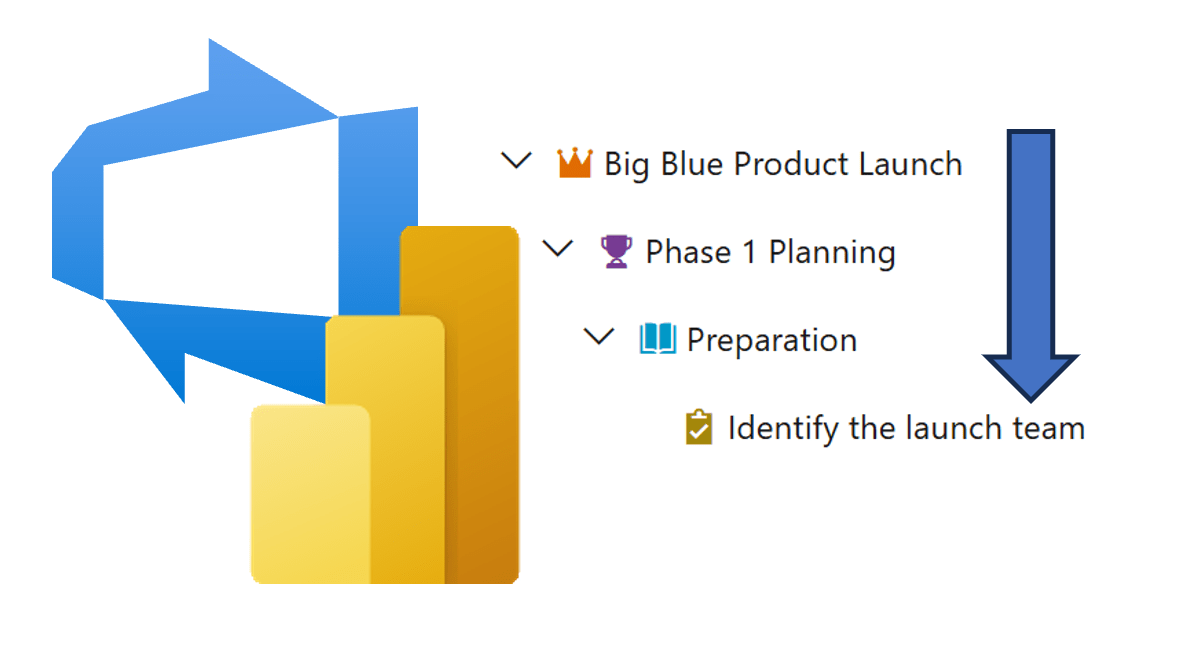
There are times it is useful to calculate an inherited value from parent item to child. The target date of a feature to be passed down to the child user story and then onto the child tasks.
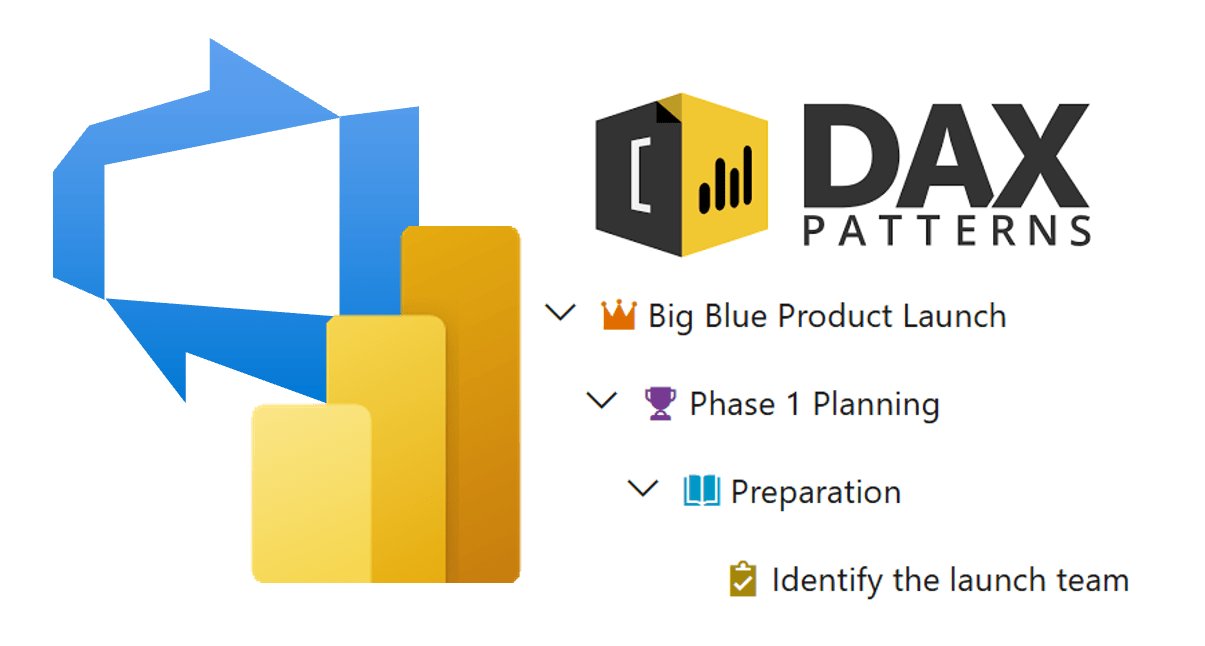
Azure DevOps is built around the pattern than items have child items and so a backlog view will show the items in a hierarchy. When the work items some into Power BI that is not shown. So this gives me the chance to use one of my favourite resources, DAX Patterns and their Parent-Child pattern.
Azure DevOps is full of data that management want to to report on. Adding a Power BI report is an obvious way to do this. This post is my take on how I would build the reports.
One of the easiest ways to edit a project in Azure DevOps is to connect Excel to the project. This post walks you through connecting to a project and updating the DevOps items in Excel.
I had a need to use automation to do DevOps updates on behalf of another person so when the DevOps adoption metrics were done we the stats were slightly more accurate.
When a work item is assigned to you, you are sent a notification. In this post we show how Power Automate can update without notifications