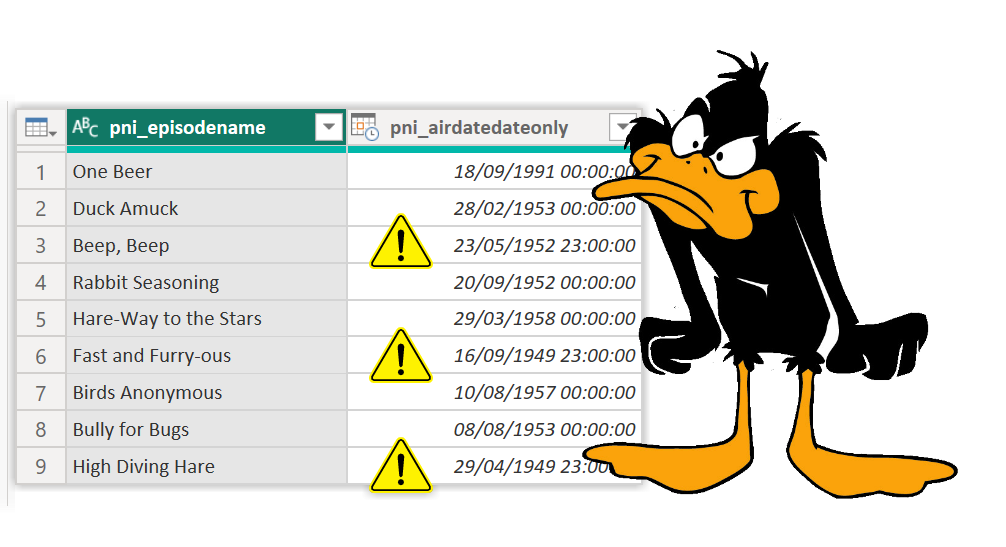
Featured image of post Using Variable Library in a Dataflow

Using Variable Library in a Dataflow

One of the popular low-code tools within Microsoft Fabric is the Gen2 Dataflow. Power BI report builders already know some Power Query. So armed with this knowledge is a popular starting point to load data into Microsoft Fabric. Adding values from the Variable Library in a Dataflow is an obvious plan to make it more future proof and to work...

Featured image of post Using a Variable Library in Lakehouse Shortcuts

Using a Variable Library in Lakehouse Shortcuts

Lakehouse shortcuts are a popular addition to the Fabric set of tools to access data easily without copying it. Using a variable library in lakehouse shortcuts means its easy to point shortcuts to an alternative location. This great for ALM using development, test and production workspaces. Setting Up the Shortcuts Using the standard GUI you have no option to use...

Featured image of post Using a Variable Library in a Data Pipeline

Using a Variable Library in a Data Pipeline

You’ve set up your variable pipeline with WorkspaceIDs and LakehouseIDs etc etc Now you want to use that variable library in a data pipeline so we can use the common values and they will behave in a deployment pipeline. Adding the Variables to the Data Pipeline Before you can use the variable library in a data pipeline you need to...

Featured image of post Accessing a Variable Library in a Notebook

Accessing a Variable Library in a Notebook

This post walks through how to access a variable library in a notebook in Microsoft Fabric. I recommend a Microsoft Fabric project starts by creating a variable library to store the common values different artifacts need and could be changed if a deployment pipeline gets involved. So when we create a notebook we need to be able to use these...

Featured image of post Happy New Year and 2025 Review

Happy New Year and 2025 Review

Welcome to 2026! In a world full of AI generated content I am very proud that none of the content here on this blog will be AI generated. Mostly because here is my personal notebook of how to do stuff. I still refer back to my first posts from April 2019 on writing SVG. That copy button in code blocks...

Featured image of post Microsoft Fabric – Variable Library

Microsoft Fabric – Variable Library

This post to help you get started creating a variable library. When multiple dataflows, notebooks and pipelines are using the same details to perform tasks it helps if those values are stored in one place. When you move to use deployment pipelines and those values change from your development workspace to your test workspace to your prod, it helps if...

Featured image of post Microsoft Fabric – Using Copy Job with Dataverse

Microsoft Fabric – Using Copy Job with Dataverse

Dataverse is the data store behind parts of Dynamics and lots of Power Platform projects. So Dataverse can contain vital business data that will be needed for reporting. In this post we are going to look at one method which is using copy job with Dataverse to copy across data in Microsoft Fabric. Scenario For this post we will look...

Featured image of post Microsoft Fabric – Direct Lake and User Permissions

Microsoft Fabric – Direct Lake and User Permissions

Direct Lake is the best way to build a semantic model on data in a Lakehouse or a Warehouse. We can then use Power BI to build reports and possibly even a make a Workspace App to deliver those reports to the business. So what permissions do the business users need to view those reports? This post will explore using...

Featured image of post Power BI – Use ISINSCOPE to improve a Matrix

Power BI – Use ISINSCOPE to improve a Matrix

I recently had a request for totals in a Matrix to be shown for some columns and not for other columns. My solution was to use ISINSCOPE in a Matrix to work out which level of the matrix to choose what to return. Scenario At an event you sell tickets. So for the Cheese and Wine evening we can see...

(1 - 14)
Enter Press Enter to jump